
Why Is the Trademark Site Not Working? 7 Reasons & Quick Fixes
First Startup
Feb 20, 2026
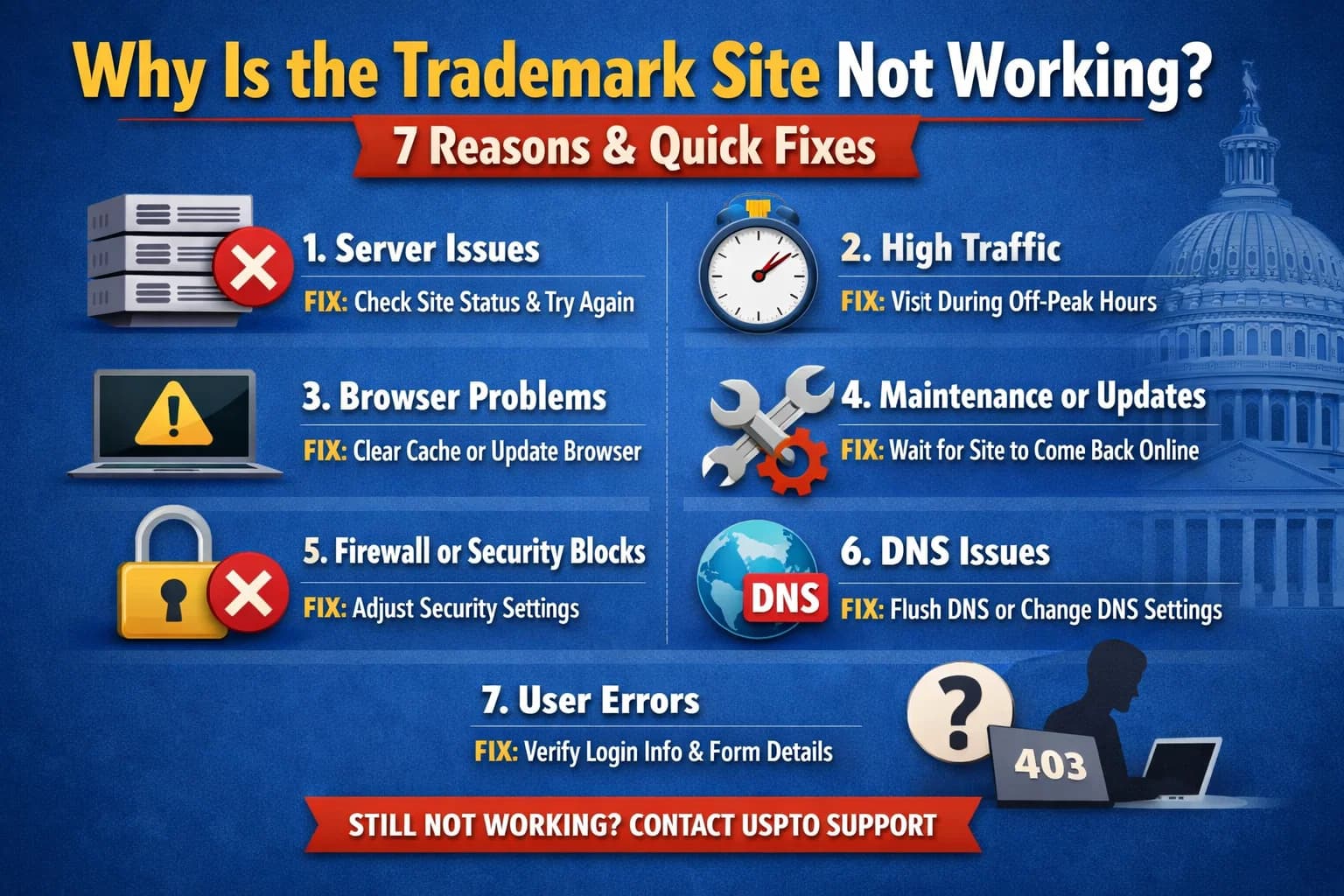
If you are trying to file a trademark application or check your status on the IP India portal and the website is not opening, you aren't alone. Errors on the Controller General of Patents, Designs & Trade Marks portal are common due to high traffic and complex security protocols.
Here is a professional troubleshooting guide to help you resolve Trademark portal login problems and e-filing errors quickly.
1. High Server Traffic & "Deadline Rush"
The official trademark website often struggles with high concurrent user limits. This usually happens during the month-end or near major compliance deadlines.
The Symptom: The page hangs, or the "Search" function takes minutes to load.
The Solution: Avoid peak office hours (11:00 AM – 5:00 PM). Try accessing the portal early in the morning (before 9:00 AM) or late at night for a smoother experience.
2. Scheduled Maintenance & Server Error 500
The government frequently updates the database to improve security. During these windows, you may encounter a "Service Unavailable" message or a 500 Internal Server Error.
The Symptom: The website displays a white screen with a technical error code.
The Solution: This is a server-side issue. Check the "Public Notices" section on the IP India homepage for maintenance schedules. Usually, these updates are resolved within 2–4 hours.
3. Browser Compatibility & Cache Issues
The Trademark e-filing portal is optimized for specific scripts. Using an outdated browser or having a cluttered cache can prevent the login page from appearing.
The Fix: * Use Google Chrome: It is currently the most stable browser for this portal.
Hard Refresh: Press
Ctrl + F5to clear the local cache and reload the latest version of the page.Incognito Mode: Try opening the site in a Private/Incognito window to bypass faulty extensions.
4. Digital Signature (DSC) & Signer Errors
A "DSC not found" or "Signer not started" error is the most common reason for Trademark e-filing failure.
The Reason: The portal requires a specific Java-based component to communicate with your USB token.
The Solution:
Ensure the latest Java version is installed.
Add
https://ipindiaonline.gov.into the Java Exception Site List in your PC's Control Panel.Make sure your Digital Signer component is running in the background before you click "Sign."
5. Session Timeout & Inactivity
For security reasons, the IP India portal has a very short session window. If you stay on a page for too long without clicking "Save Draft," the system will silently log you out.
The Symptom: Clicking "Submit" leads you back to the login page or a blank screen.
The Solution: Always click "Save Draft" every 5 minutes while filling out Form TM-A.
6. Firewall or VPN Interference
Many corporate networks or VPNs block government scripts for security reasons, which can lead to the Trademark site not opening.
The Fix: Disable your VPN or try switching to a different internet connection (like a mobile hotspot) to see if the restriction is network-based.
7. Incorrect URL (The "Old Bookmark" Problem)
The Trademark registry occasionally updates its sub-domains. Using an old bookmarked link might lead to a 404 error.
The Fix: Always start from the official landing page: ipindia.gov.in and navigate to "E-Filing" from there.
Quick Troubleshooting Table
| Issue | Likely Cause | Recommended Action |
| Page Not Loading | Server Maintenance | Wait 1-2 hours; try off-peak times. |
| Login Error | Browser Cache | Use Incognito Mode (Ctrl+Shift+N). |
| DSC Not Working | Java Security | Add URL to Java Exception List. |
| Error 500 | Server-side Glitch | Refresh after 15 minutes. |
| Blank Screen | Pop-up Blocker | Enable "Pop-ups and Redirects" in Chrome settings. |
Frequently Asked Questions (FAQ)
Q: Why is my Trademark Status not updating?
A: The "Public Search" database usually lags by 24–48 hours. If you just filed an application, wait two days for it to reflect in the electronic register.
Q: What should I do if my payment failed but money was deducted?
A: Do not file again immediately. Check the "Payment History" tab in the portal after 24 hours. Usually, the "Awaiting Acknowledgment" status clears automatically once the bank reconciles.
Q: Is the IP India website down today?
A: You can check third-party "Down Detector" sites or search for the hashtag #TrademarkIndia on X (Twitter) to see if other attorneys are reporting a nationwide outage.
Final Pro-Tip for Startups
Filing a trademark is a legal process with strict deadlines. If the Trademark portal is down and you are nearing a deadline for an "Examination Report" response, document the error with a screenshot. This can serve as evidence if you need to request a "Condonation of Delay."
Trademark Registration Support Number for India
Our Trademark Registration Support Number, +91 63956 22281, is available to help you register your startup smoothly and legally.