
eAadhaar Download – Complete Guide to Aadhaar Card PDF Download Online
First Startup
May 29, 2026
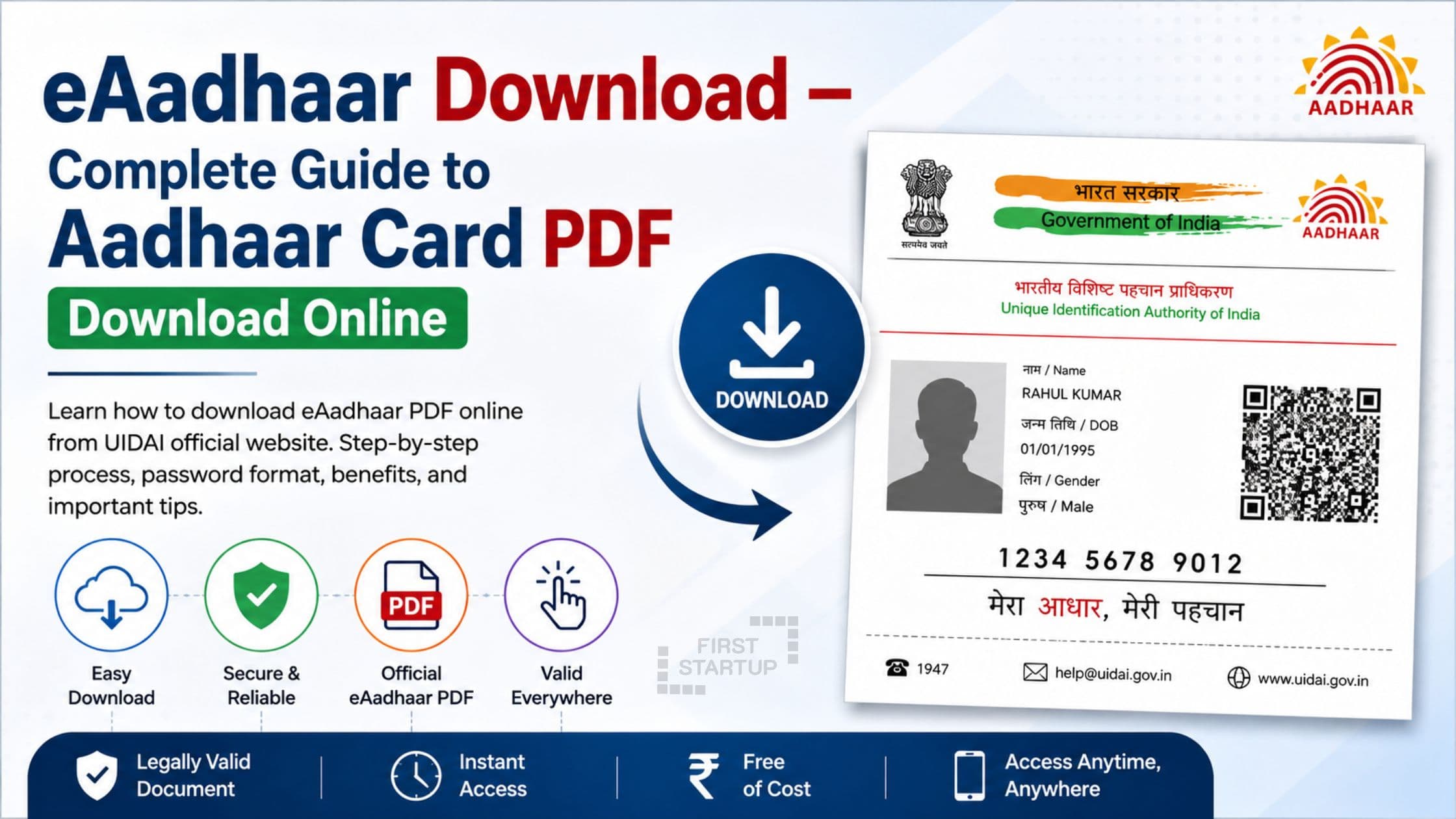
eAadhaar download process allows Indian residents to easily access their Aadhaar card online anytime and anywhere. Issued by the Unique Identification Authority of India, Aadhaar is one of the most important identity documents used for banking, PAN linking, SIM verification, government schemes, and KYC purposes.
If you are searching for Aadhaar card download, download Aadhaar card online, or UIDAI Aadhaar download, this detailed guide will help you understand the complete process step by step.
The digital version of Aadhaar, also called e Aadhaar PDF download, is officially accepted everywhere in India and can be downloaded within minutes through the UIDAI portal.
What is eAadhaar?
eAadhaar is the electronic version of your Aadhaar card that is digitally signed by UIDAI. It contains all the important details available on the physical Aadhaar card, including:
Aadhaar Number
Name
Address
Date of Birth
Gender
Photograph
QR Code
The Aadhaar card PDF download file is password protected for security and privacy.
Benefits of eAadhaar Download
1. Instant Aadhaar Access
You can complete your Aadhaar download online anytime using your mobile or laptop.
2. Legally Valid Document
The downloaded Aadhaar PDF is valid everywhere in India.
3. Secure and Password Protected
The e Aadhaar PDF download file is encrypted for safety.
4. Useful for Multiple Services
You can use downloaded Aadhaar for:
Bank KYC
PAN linking
Passport applications
Mobile SIM verification
Government subsidy schemes
Documents Required for Aadhaar Download Online
To complete the download eAadhaar process, you need:
Aadhaar Number / Enrolment ID / Virtual ID
Registered mobile number
Internet connection
How to Download Aadhaar Card Online
If you are looking for download Aadhaar card online, follow these steps carefully.
Step 1: Visit UIDAI Website
Go to the official website of UIDAI.
Step 2: Open Aadhaar Download Page
Click on:
My Aadhaar → Download Aadhaar
Direct link:
Step 3: Choose Aadhaar Option
Select one of the following:
Aadhaar Number
Enrolment ID (EID)
Virtual ID (VID)
Enter the selected number correctly.
Step 4: Enter Captcha Code
Fill in the captcha displayed on the screen.
Step 5: Generate OTP
Click on Send OTP.
An OTP will be sent to your registered mobile number.
Step 6: Verify OTP
Enter the OTP received on your phone.
Step 7: Download eAadhaar
Click on Verify & Download to complete the eAadhaar download process.
Your Aadhaar card PDF download file will be saved on your device.
e Aadhaar PDF Download Password
The downloaded Aadhaar PDF file is password protected.
Password Format
The password includes:
First 4 letters of your name in CAPITAL letters
Birth year
Example
Name: Rahul Kumar
Birth Year: 1998
Password: RAHU1998
This password is required to open the e Aadhaar PDF download file.
Types of Aadhaar Available for Download
1. Regular Aadhaar
Standard Aadhaar copy with complete details.
2. Masked Aadhaar
Shows only the last 4 digits of Aadhaar number.
3. Aadhaar PVC Card
Pocket-sized Aadhaar card available online.
How to Download Masked Aadhaar
During the Aadhaar download online process:
Select the option “Do you want a masked Aadhaar?”
Verify OTP
Download the masked Aadhaar PDF
This improves privacy and prevents misuse.
How to Download Aadhaar Without Registered Mobile Number
Currently, UIDAI requires OTP verification for download eAadhaar services.
If your mobile number is not linked:
Visit the nearest Aadhaar Enrollment Center
Update your mobile number
Without a registered mobile number, UIDAI Aadhaar download cannot be completed online.
How to Retrieve Lost Aadhaar Number
If you forgot your Aadhaar number, UIDAI provides a recovery option.
Visit:
Retrieve Lost Aadhaar Number or EID
You can retrieve details using:
Registered mobile number
Registered email ID
Common Problems During Aadhaar Card Download
OTP Not Received
Check mobile signal
Ensure Aadhaar-linked number is active
Retry after a few minutes
Incorrect PDF Password
Use:
First 4 letters of name in CAPITAL letters
Birth year
UIDAI Website Not Working
Refresh browser
Clear cache
Use another browser
Is eAadhaar Valid Everywhere?
Yes. The eAadhaar download file is digitally signed by UIDAI and legally valid under the Information Technology Act, 2000.
You can use the downloaded Aadhaar PDF for all official purposes.
Safety Tips for Aadhaar Download Online
Always use the official UIDAI website
Never share OTP with anyone
Use masked Aadhaar whenever possible
Keep your Aadhaar-linked mobile number updated
FAQs on eAadhaar Download
Is eAadhaar free to download?
Yes, Aadhaar download online is completely free.
Can I download Aadhaar card multiple times?
Yes, there is no limit.
Is e Aadhaar PDF download valid?
Yes, it is fully valid everywhere.
Can I print downloaded Aadhaar card?
Yes, you can print the PDF on normal paper.
Can I download Aadhaar without OTP?
No, OTP verification is mandatory.
Conclusion
The eAadhaar download process is fast, secure, and convenient for every Aadhaar holder in India. Whether you need Aadhaar card download, download Aadhaar card online, or Aadhaar card PDF download, UIDAI makes the process simple through its official portal.
Always use the official UIDAI website for UIDAI Aadhaar download services and protect your Aadhaar details from misuse.